Docs · Shop floor
Job Board
The job board shows every open repair order as a card in columns by status: scheduled, checked-in, in progress, waiting on parts, waiting on approval, and ready. Drag a card to another column (or use the move controls on a phone) to update its status. Use the search box to find a car, guest, or RO number instantly.
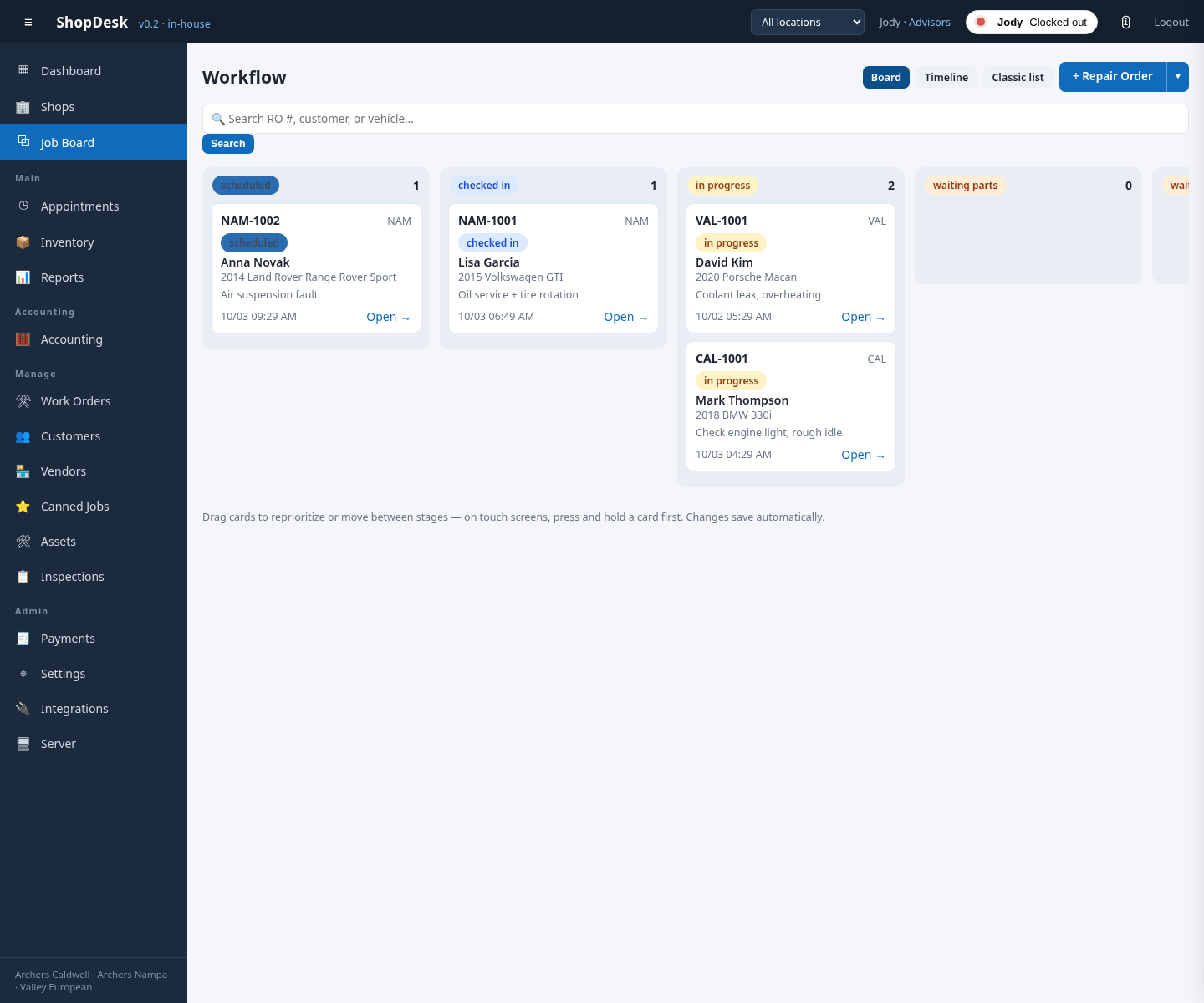
Checking in a vehicle
When the car arrives, find its card on the Job Board and drag it into the Checked in column (on a phone, use the card’s move controls). The RO’s status updates everywhere — the dashboard, the schedule, and the technician’s view.