Docs · General
Getting started
Logging in
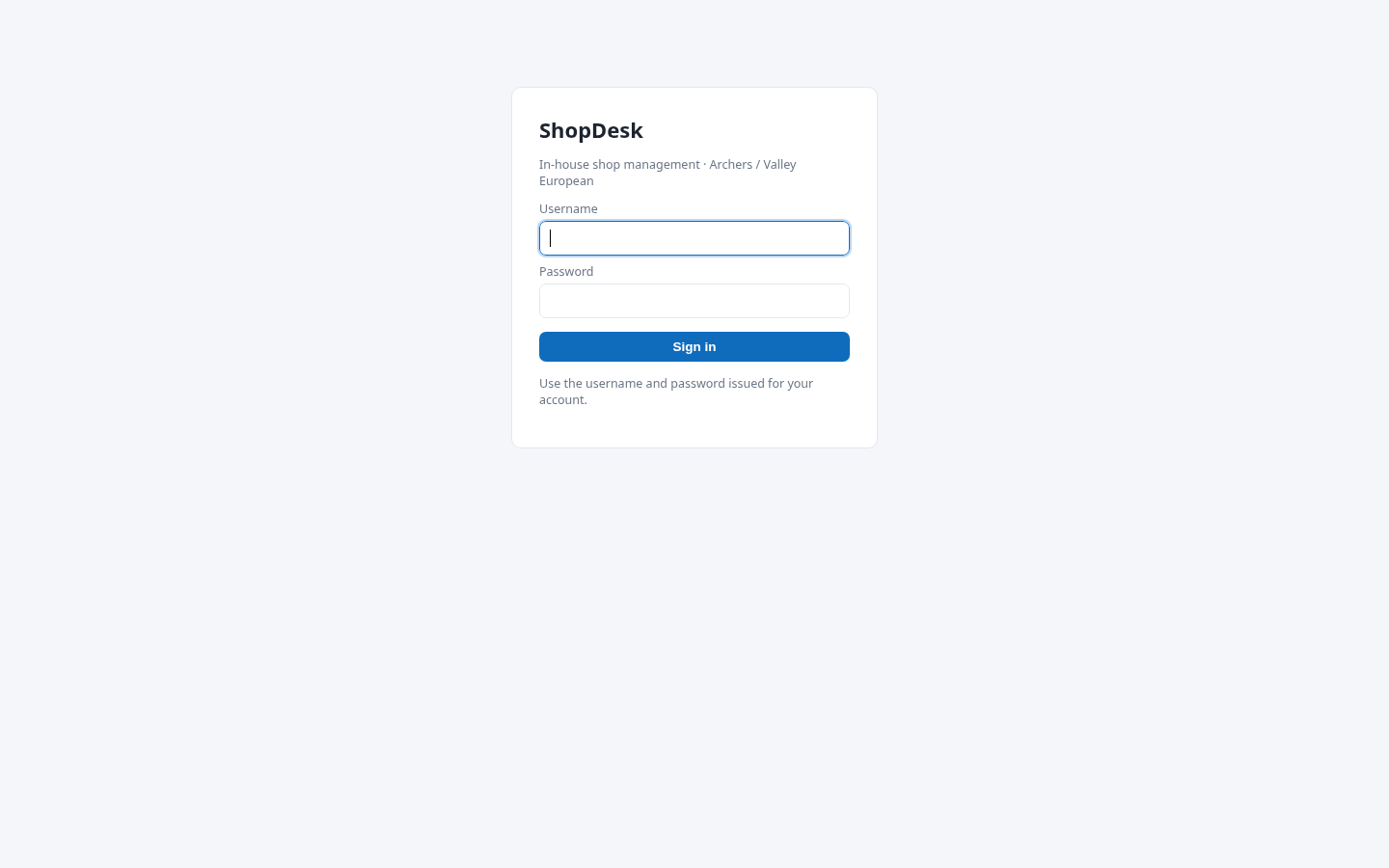
Open ShopDesk in your browser and sign in with the username and password your manager gave you. Usernames look like email addresses (for example jody@valleyeuro.com); your login name can never be changed, so keep your password private.
Your Shops
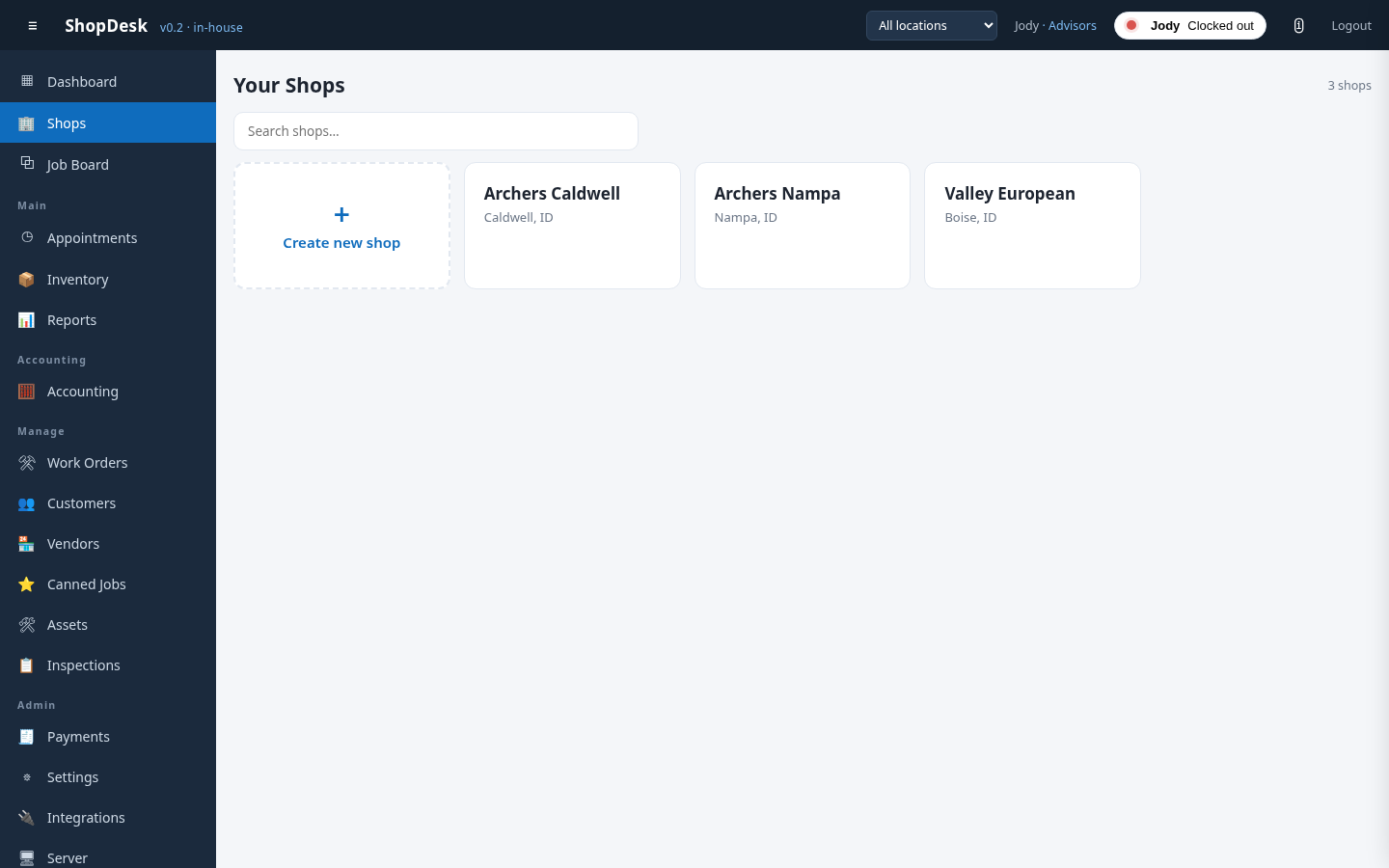
After logging in you land on Your Shops. Click a shop card to enter that shop — everything you see from then on (job board, guests, reports) belongs to that location. Managers and admins see every shop; technicians only see the shop they are assigned to.
The navigation bar
The left sidebar holds every section of ShopDesk. What you see depends on your role — a technician sees the job board and inspections, while managers and admins also see reports, accounting, settings and the server page. Your name in the top bar is a link to your personal profile, and the book icon next to Logout opens this knowledge base.